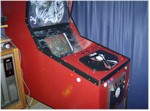
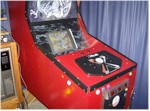
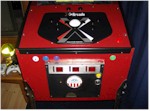
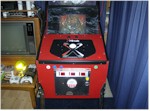
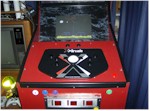
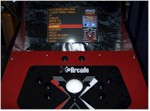
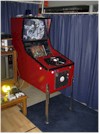
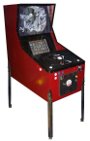
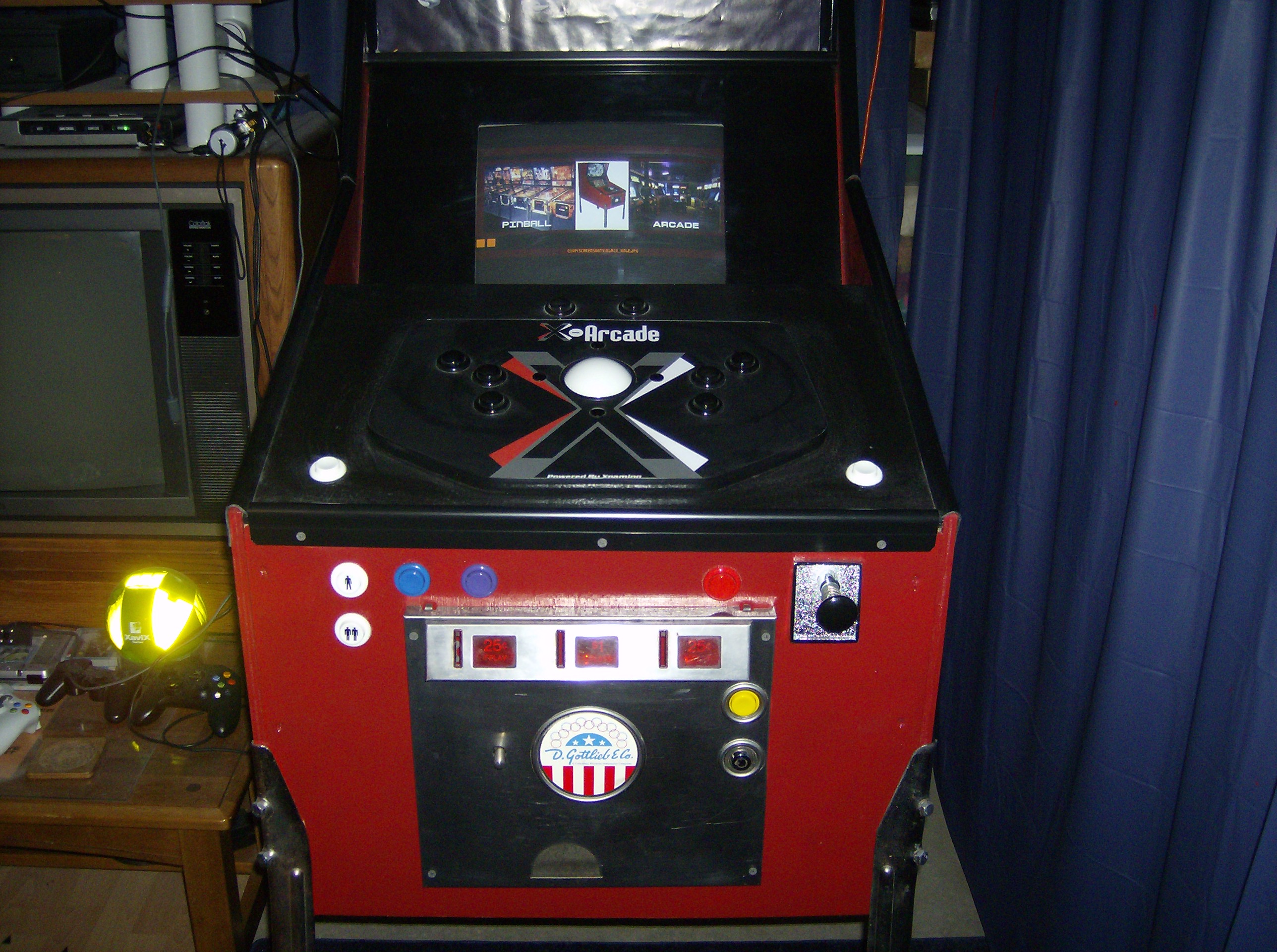
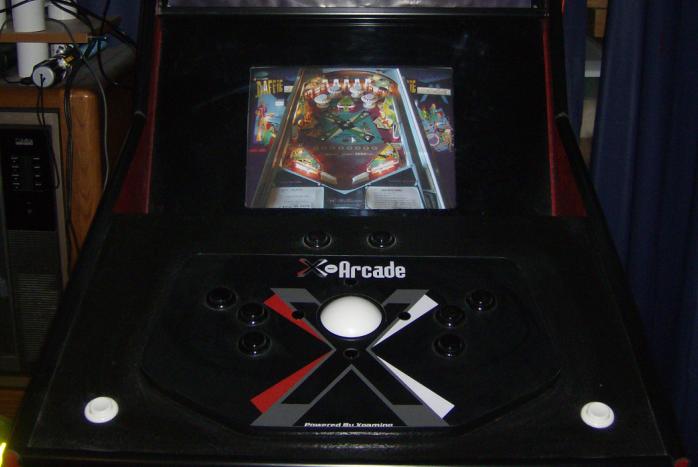
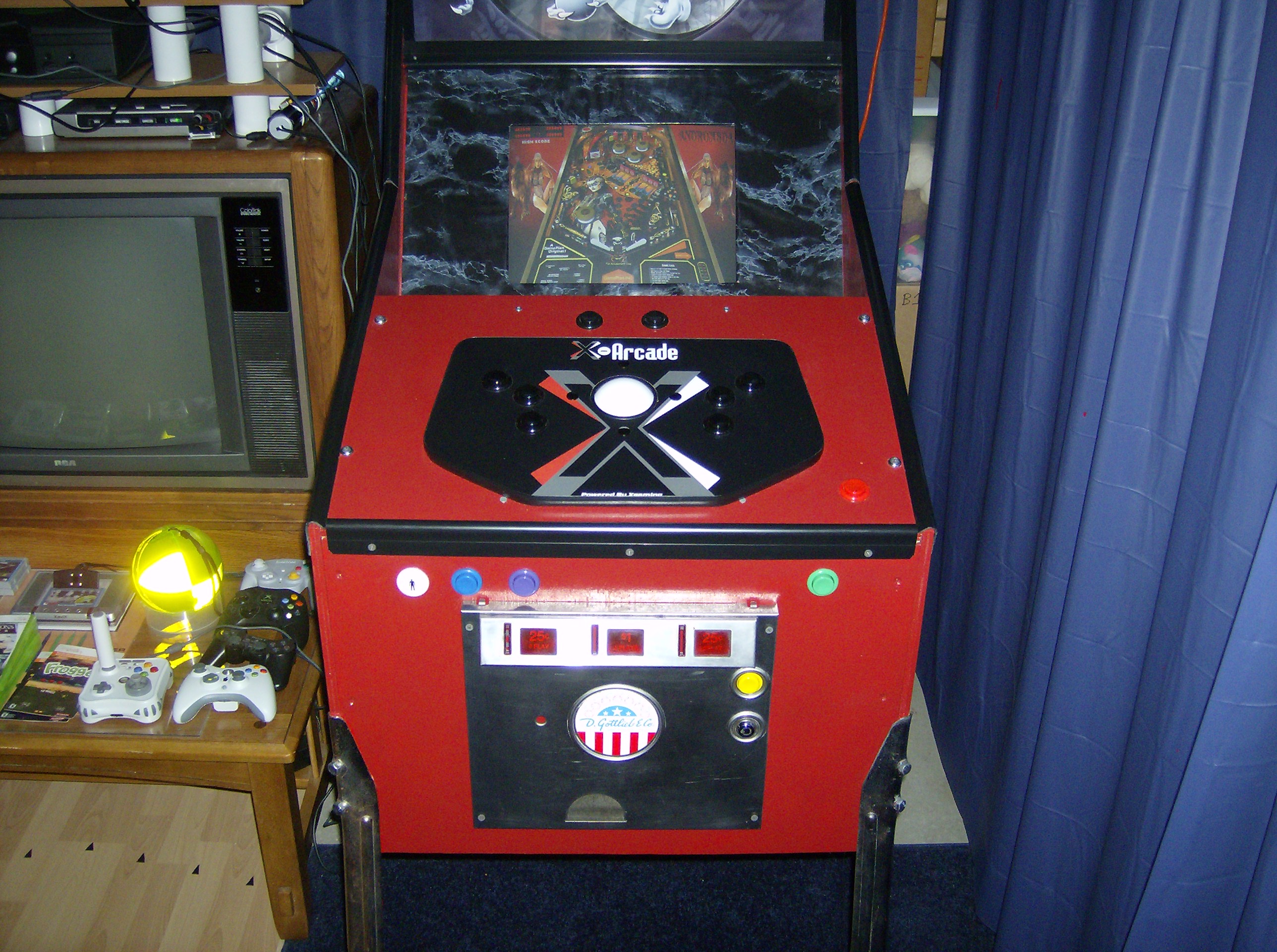
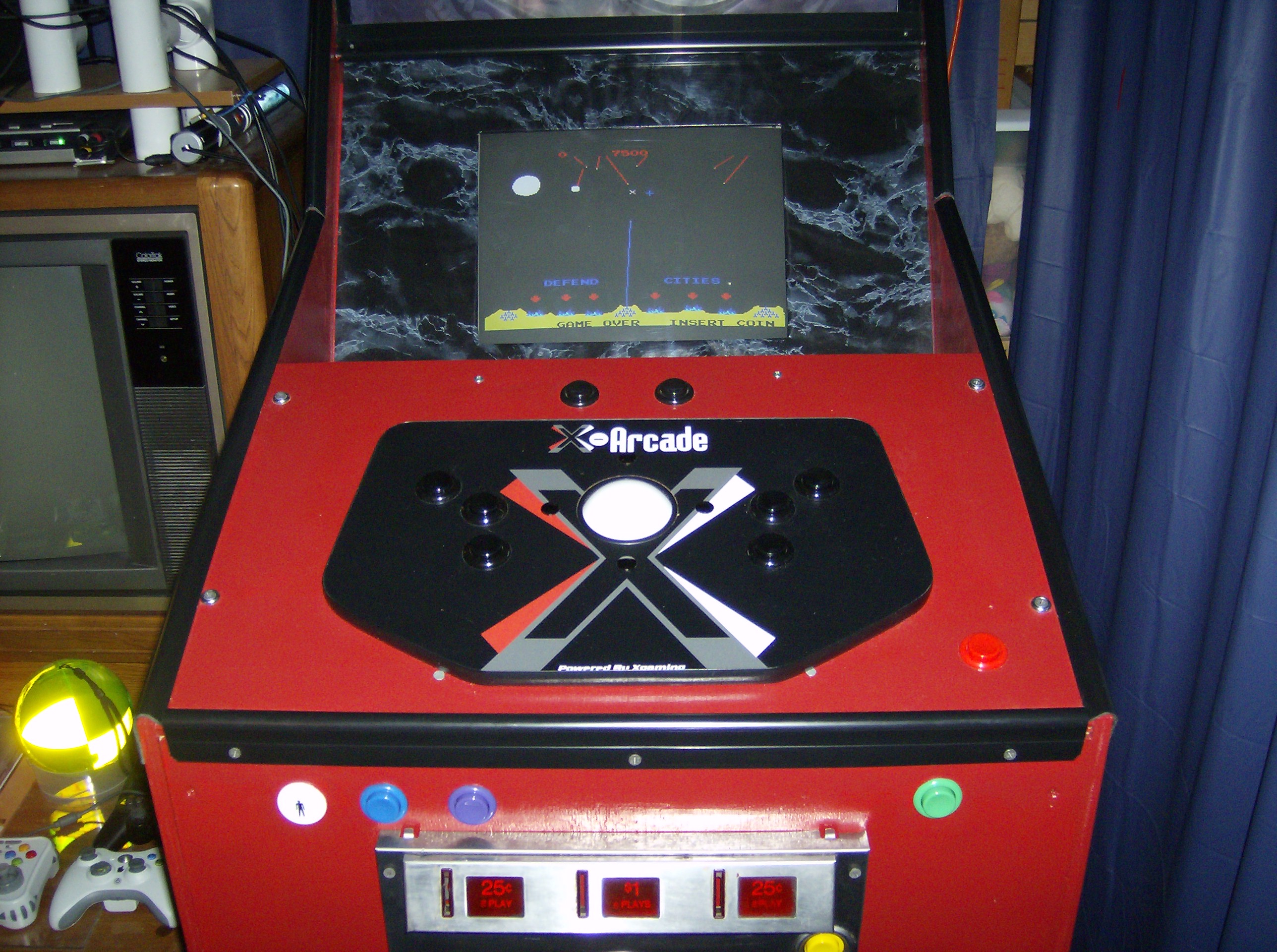
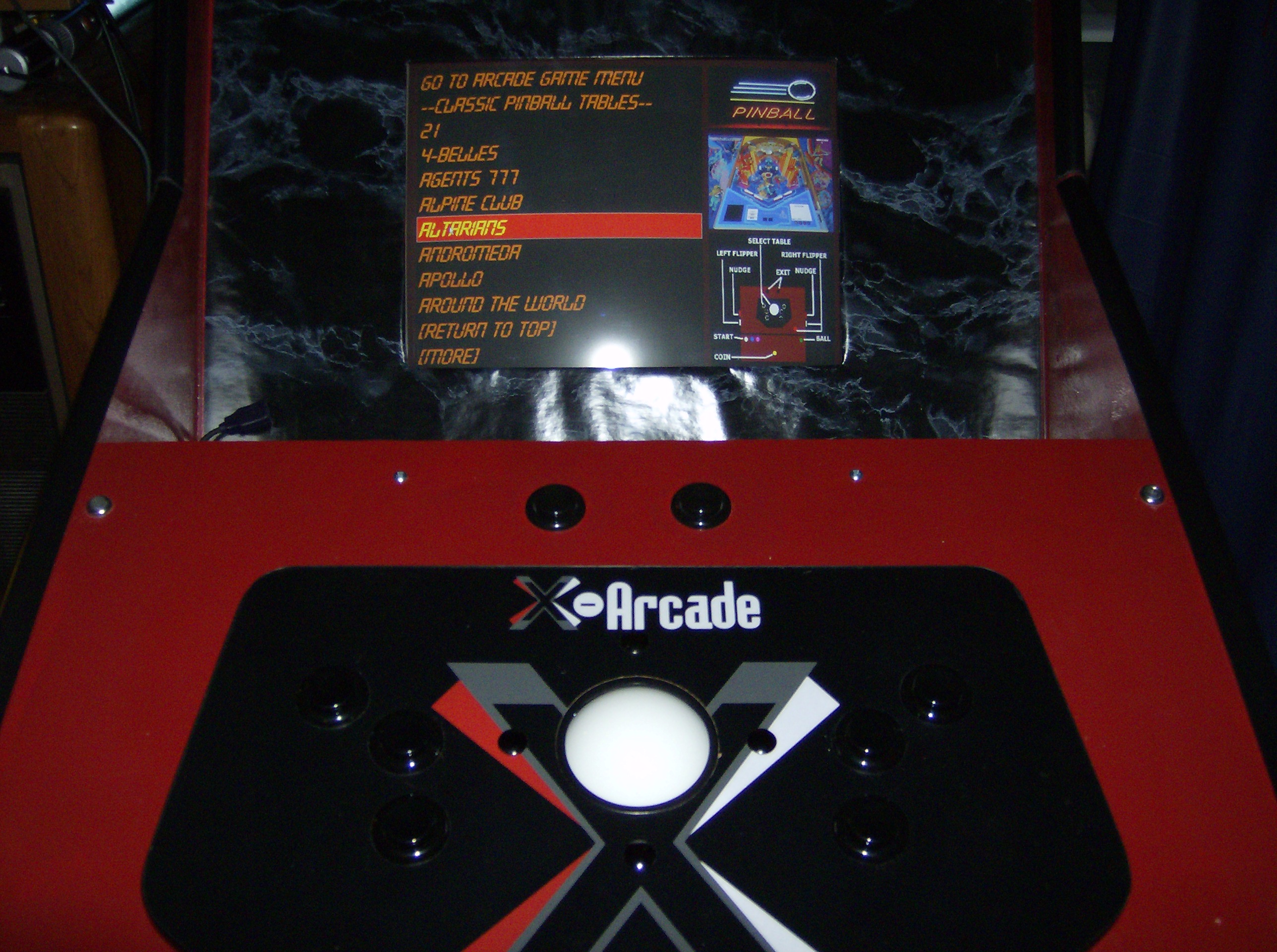
The latest revision of this machine is modified to support the HyperPin dynamic menu system and new features of Visual Pinball 9 that allow for emulated Pinball backplane. These include having Dynamic Digital or analog Displays and backlighting effects. HyperPin integrates video clips that show the table in action as you roll through the various tables with your left and right flipper buttons. The overall effect is very clean and visually stunning.
To achieve the necessary technical specifications required the following things were done:
* Replaced the main video display with a larger screen and rotated it long ways.
* Removed the static backplane artwork and installed a second flat monitor to be used as the new dynamic backplane.
* Upgraded the internal PC to a Windows 7 system i3 processor with a pci video card capable of running the two the monitors.
* Installed a internal fan within the PC compartment to provide sufficient airflow to keep the backplane monitor and more powerful PC cool during normal operation.
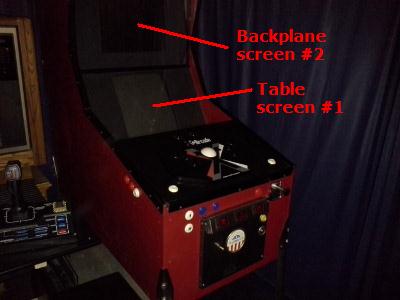
This video clip shows you the cabinet in action. The refresh rate of the main monitor being recorded shows a bit of a rolling phase in the main display that is not visible to the naked eye.
Pinball Machine
Electronics:
Approach: Use a 800Mhz PC running Win98 (configured to hide the boot and shutdown screens using TweakUI).
For the buttons I used a KeyWiz Eco2 encoder (solderless) board.
Software:
This uses Visual Pinball. I'm choosing to just run tables that do not require PinMame so I don't have to worry about ROM's and their associated licensing issues. I have it emulating 498 Tables so far. The machine boots to a menu of tables where you use the flipper buttons to navigate through it. You select the tables with the ball plunger button.
Hardware Cost:
Cost for entire cabinet excluding the PC, coin door and trackball is approx $140. I switched from MDF to lighter weight plywood (actually slightly more expensive than MDF).
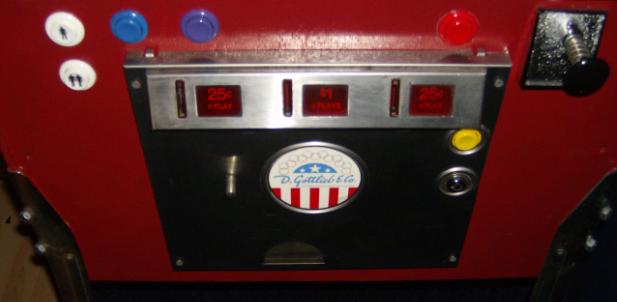
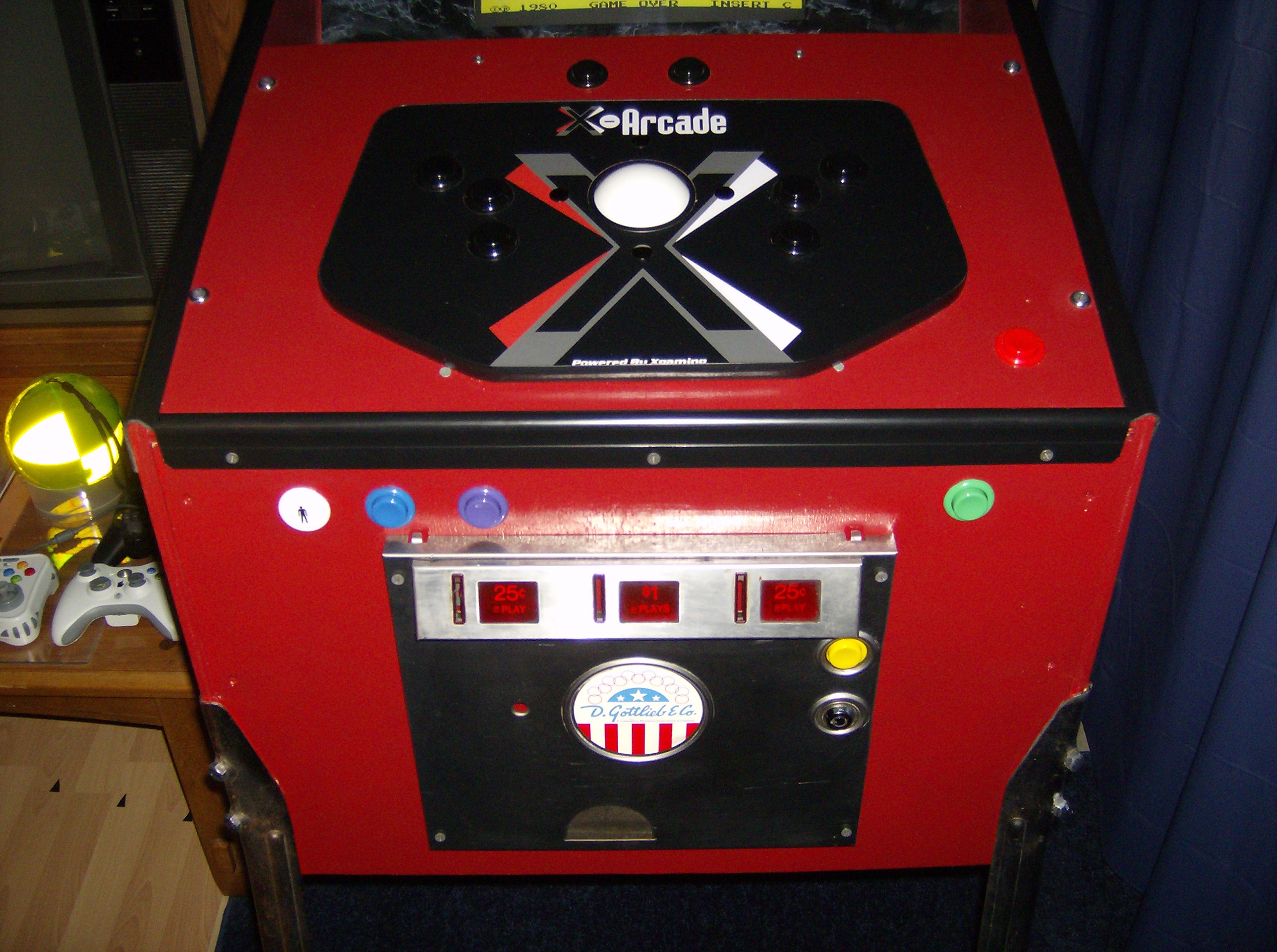
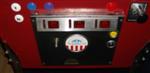
I ordered the buttons from the same place I purchased the KeyWiz Eco2 encoder to save on shipping. I ordered the legs off of eBay for $8 but you can easily find new ones from pinball suppliers for a good price. I purchased the coin door from ebay for $9 and the X-arcade Trackball for $49.
Design:
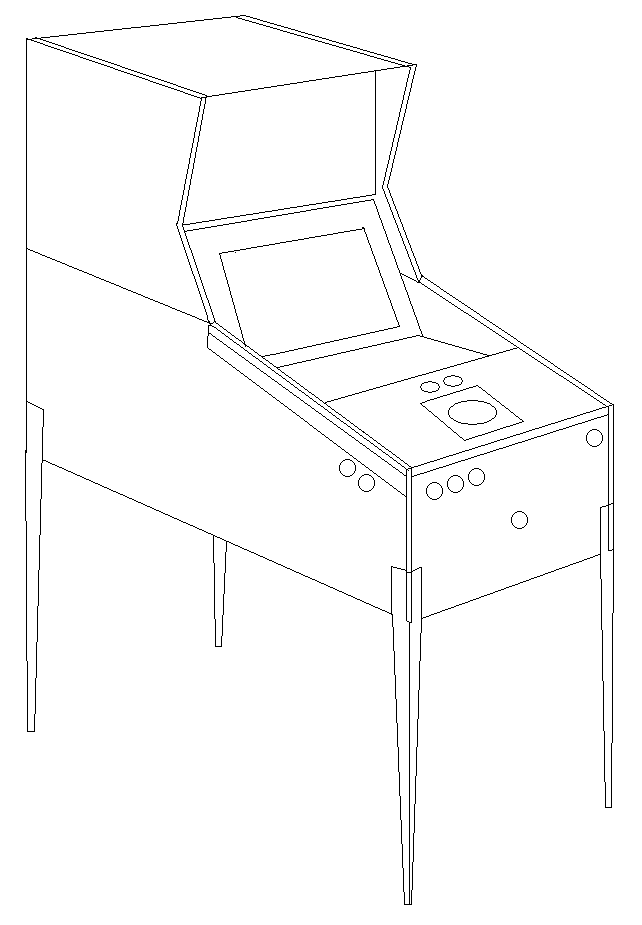
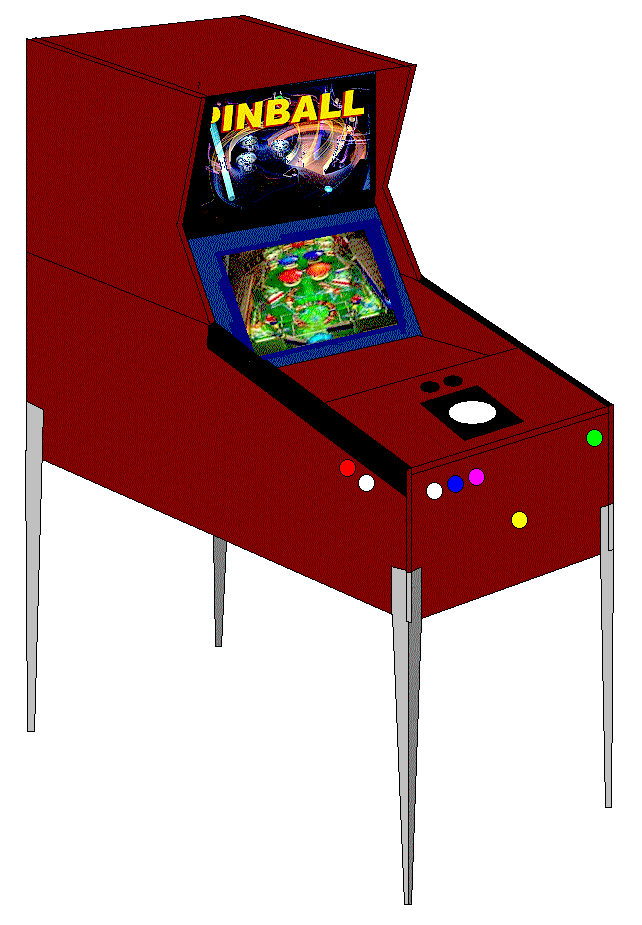
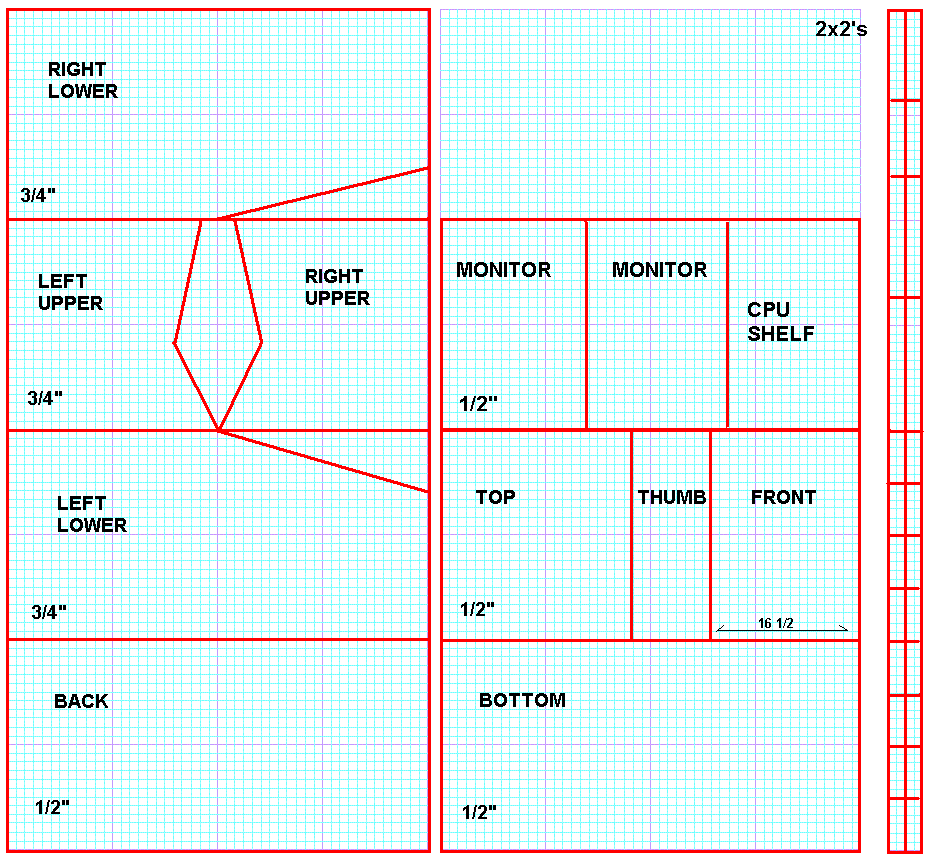
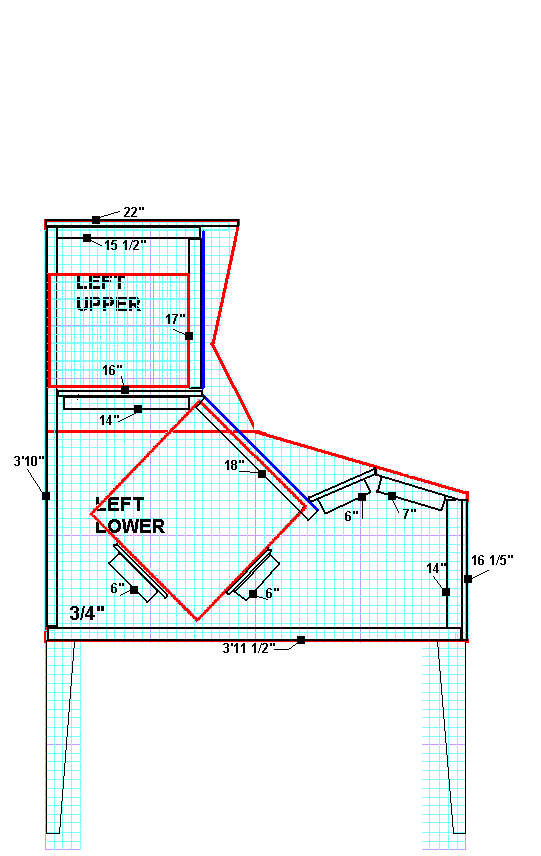
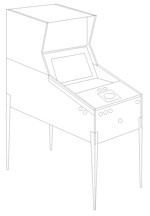
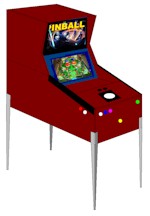
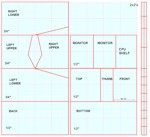
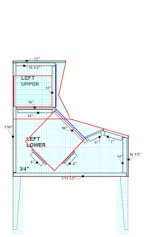
Here are my design drawings. I typically do all of my design and concept drawings in Paintbrush. One day I may switch to a CAD program but so far Paintbrush works fine for me. (I also write/program video games using Notepad but that's another story.)
I eliminated the need for a Trackball by tweaking the VPLauncher software.
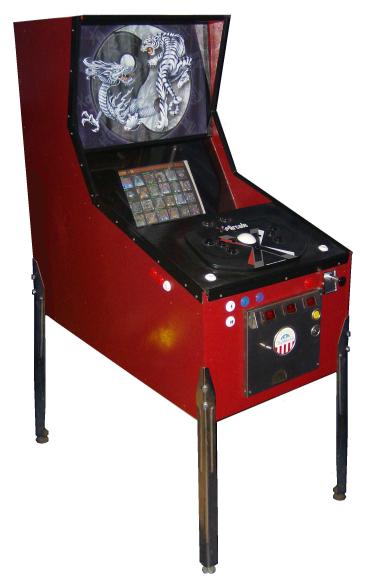
Latest Machine Photographs:
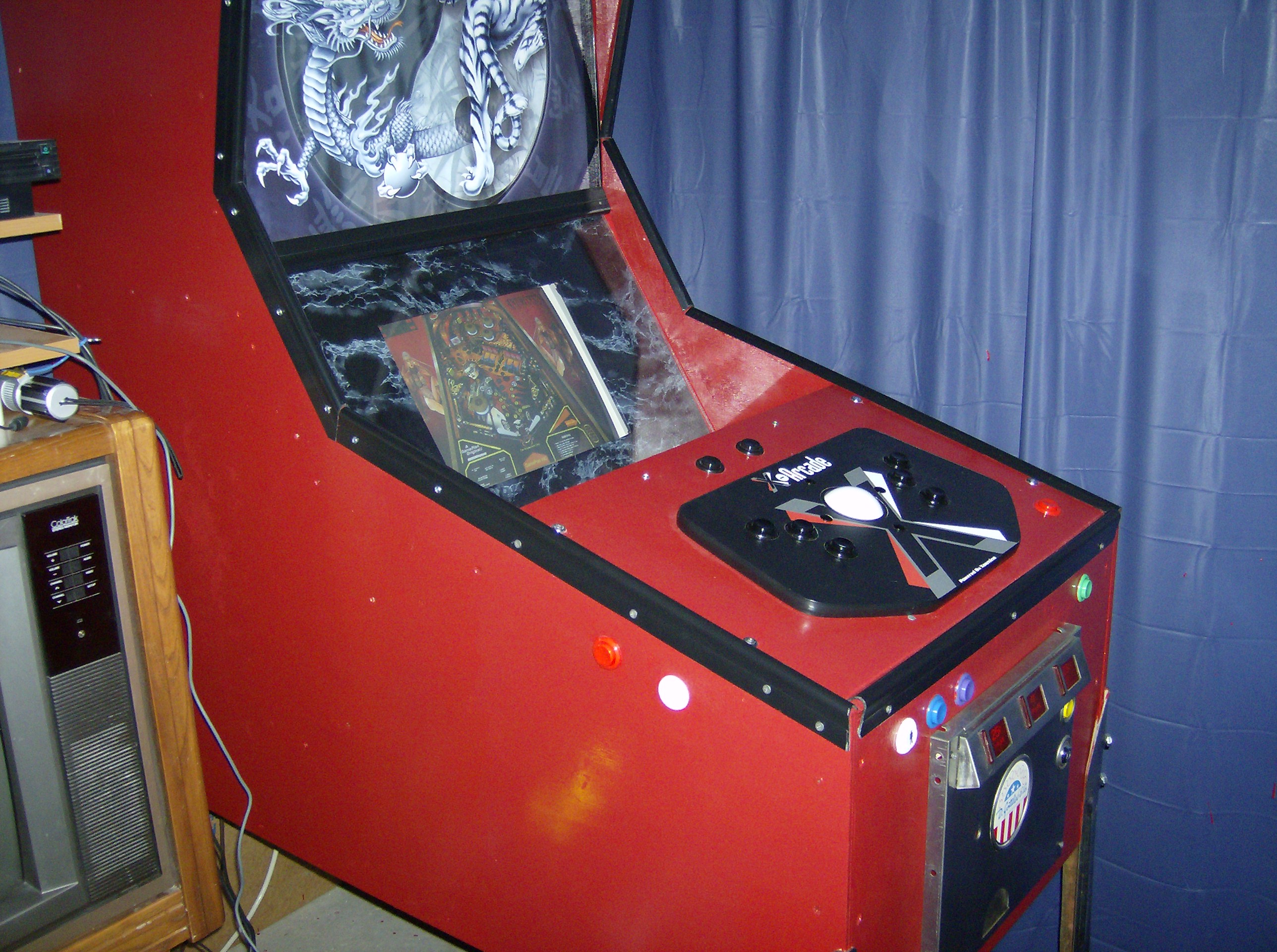
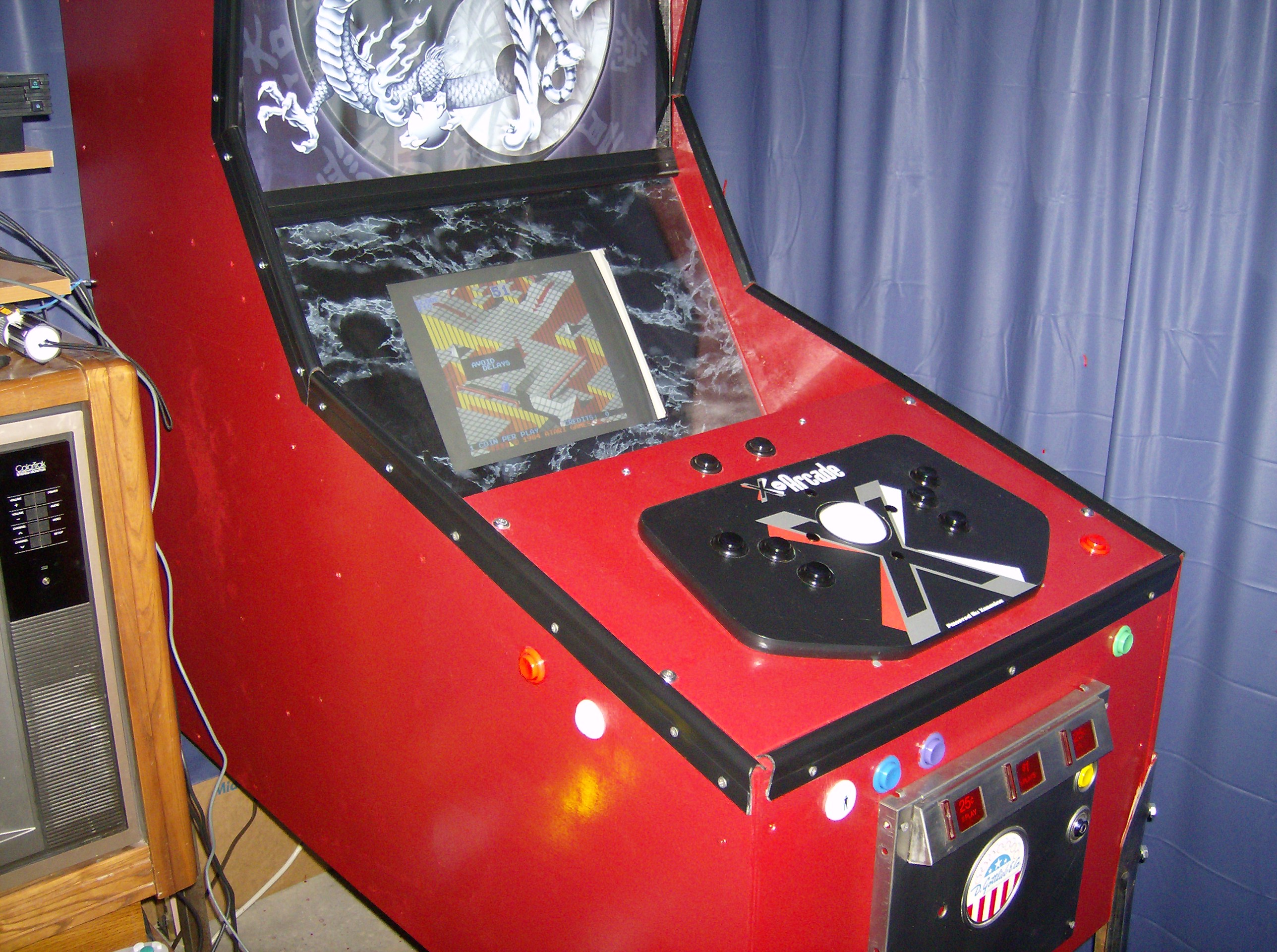
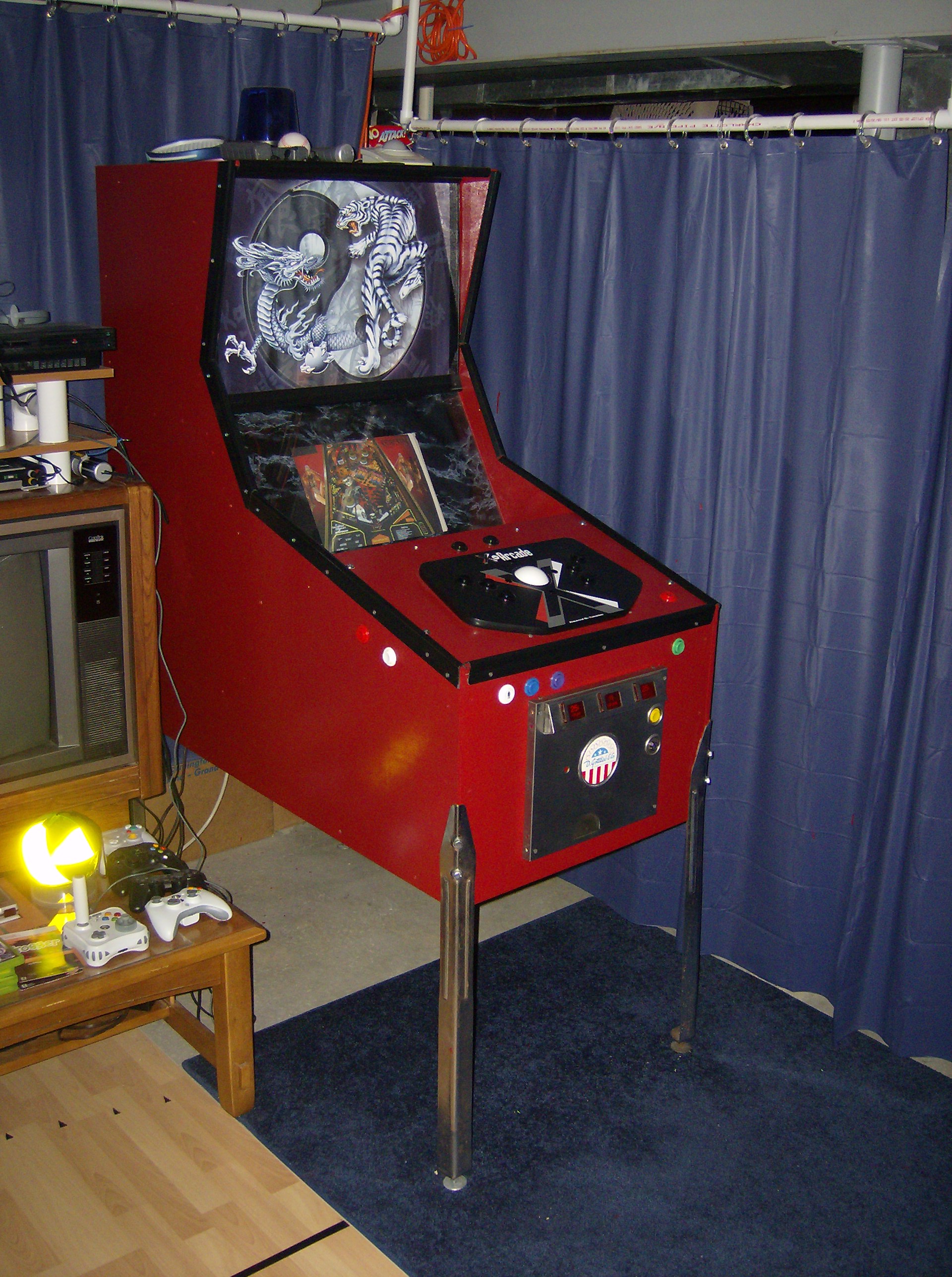
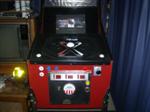
This is what I have finished building so far. For the
marquee I decided to purchase a poster with a Dragon and Tiger circling a
yen-yang symbol. The dragon is holding a large silver ball (Perfect! - purchased
from wal-mart $3.99). I put a string of colored blinking Christmas
lights behind it to add some sparkle.
Updated Modifications
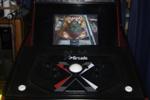
I decided to paint the top plate black and replace the marble texture around the screen with a textured black. To top it off, I added an extra pair of flipper buttons on the top to smaller children and table nudge buttons for up/down to go with the side to side ones and the crown jewel... a ball plunger! this works fine with a simple normally closed switch solidly planted into a 2x4 within the cabinet.
Older Version